
Project overview
Point it at your workspace and Quicklane Studio knows every Xcode project: grouped by App Store status, with version, languages and screenshot count at a glance.
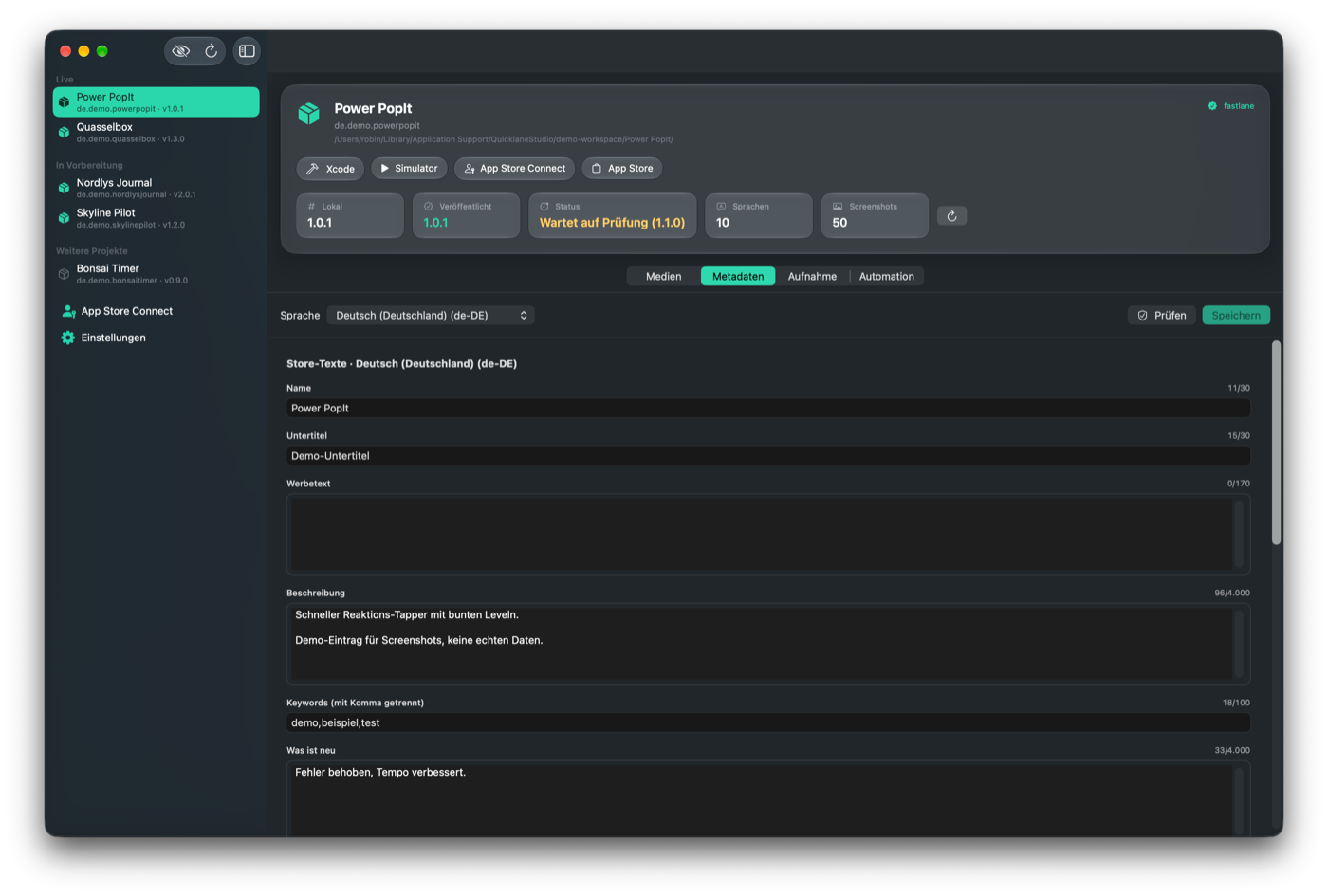
Quicklane Studio scans your Xcode projects and brings status, metadata, media and screenshots into one place, all the way to App Store Connect. Everything is additive, your project setup stays untouched.
macOS 26 · Swift 6 · for all your Xcode projects
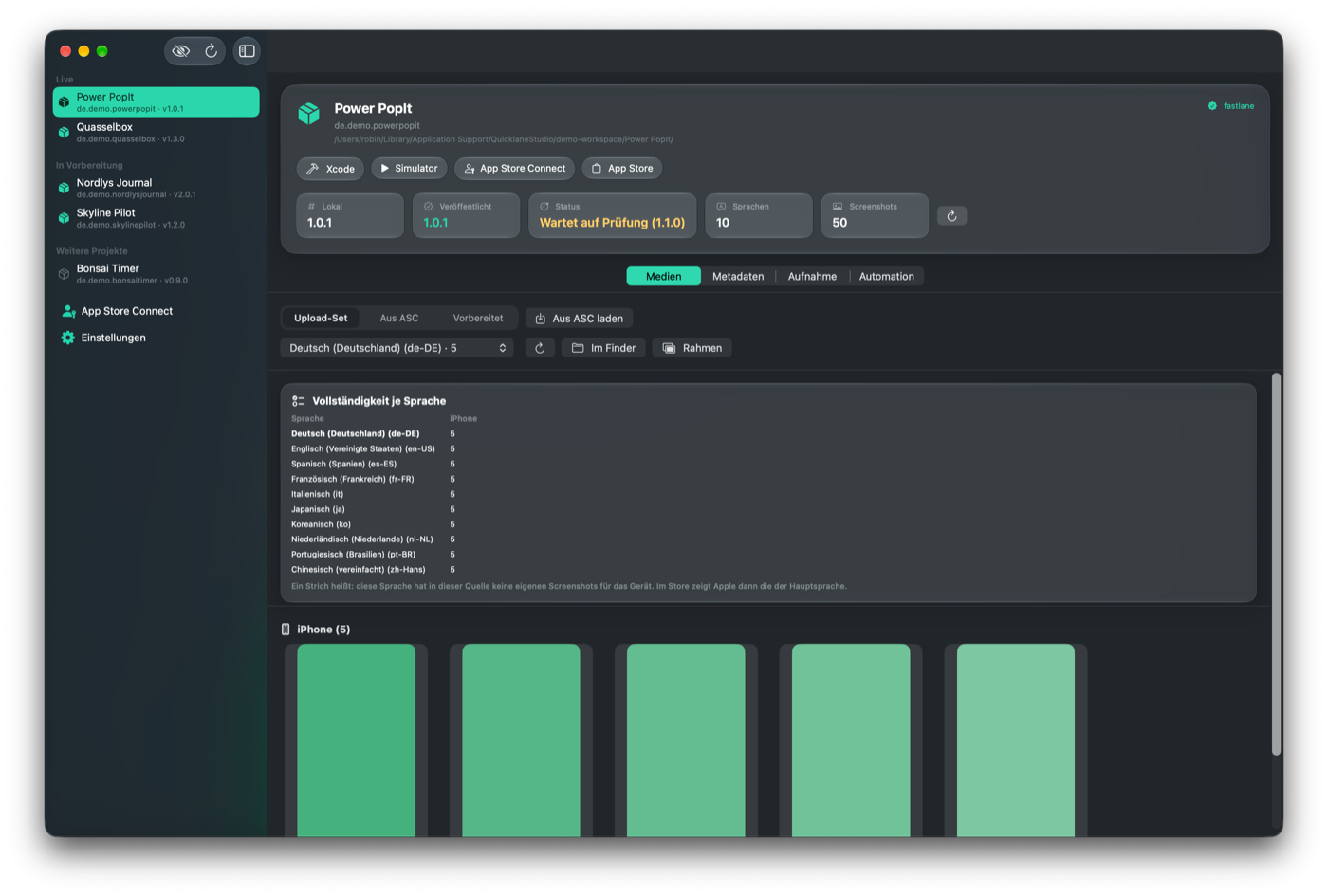
Instead of jumping between fastlane, the Simulator, Finder and App Store Connect, you see every project with its status, languages and media in one calm interface. Read, edit, generate, upload, all from here, without looking up a single command.
Point it at your workspace and Quicklane Studio knows every Xcode project: grouped by App Store status, with version, languages and screenshot count at a glance.
Edit name, subtitle, description, keywords and what's new per language, with the real App Store Connect character limits and a warning when a text runs too long.
Review every screenshot per language and device and check completeness in a matrix. Missing languages stand out immediately.
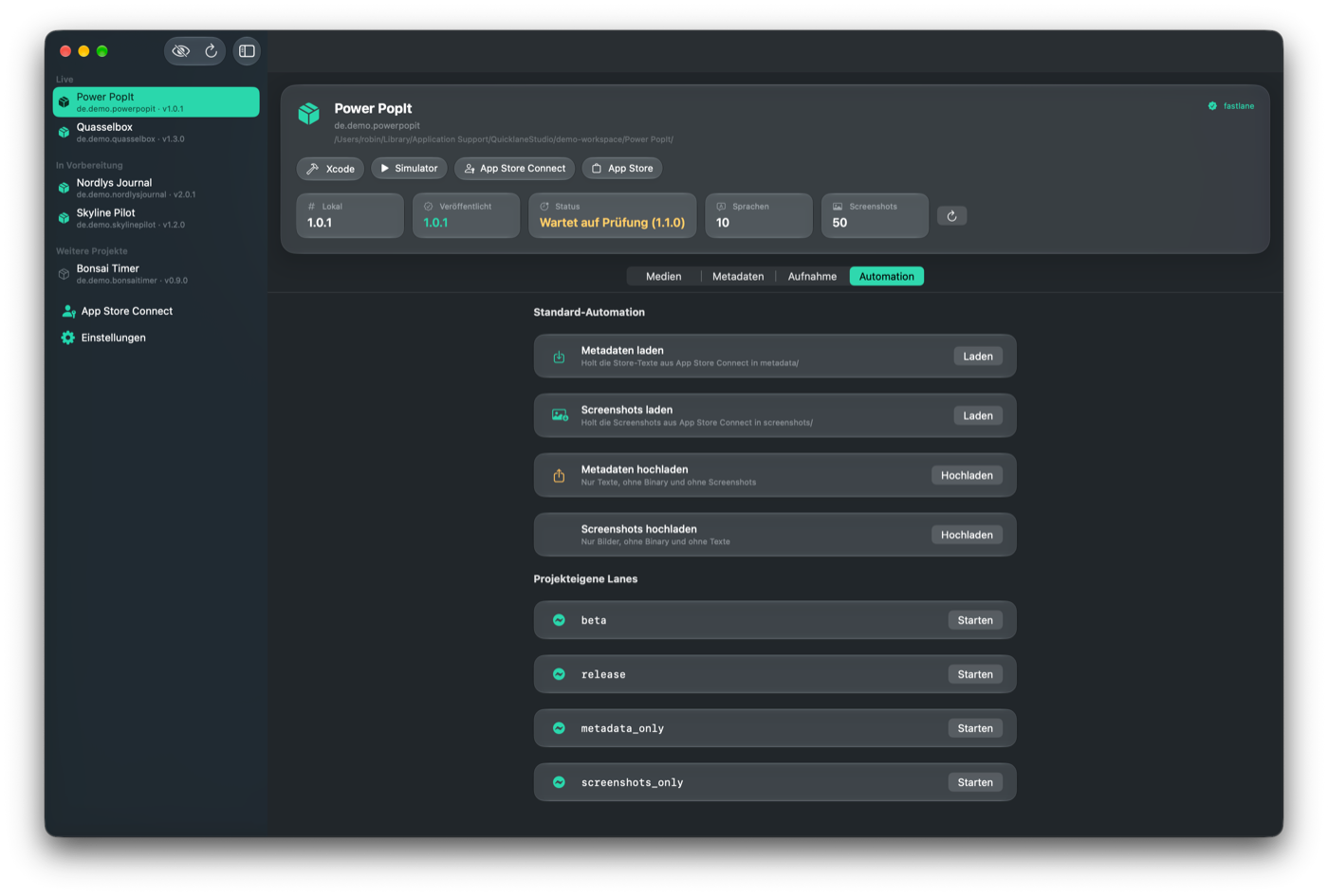
Read status with your API key, pull screenshots and text straight from App Store Connect and upload again with confirmation. The published one or the one in preparation, your choice.
Walk through your app once by hand in the Simulator. Quicklane Studio remembers the steps, repeats them in every language and takes the screenshots for you.
Read-only toward your projects, only ever writing to new places. Existing fastlane setups, curated upload sets and fixed filenames stay exactly as they are.
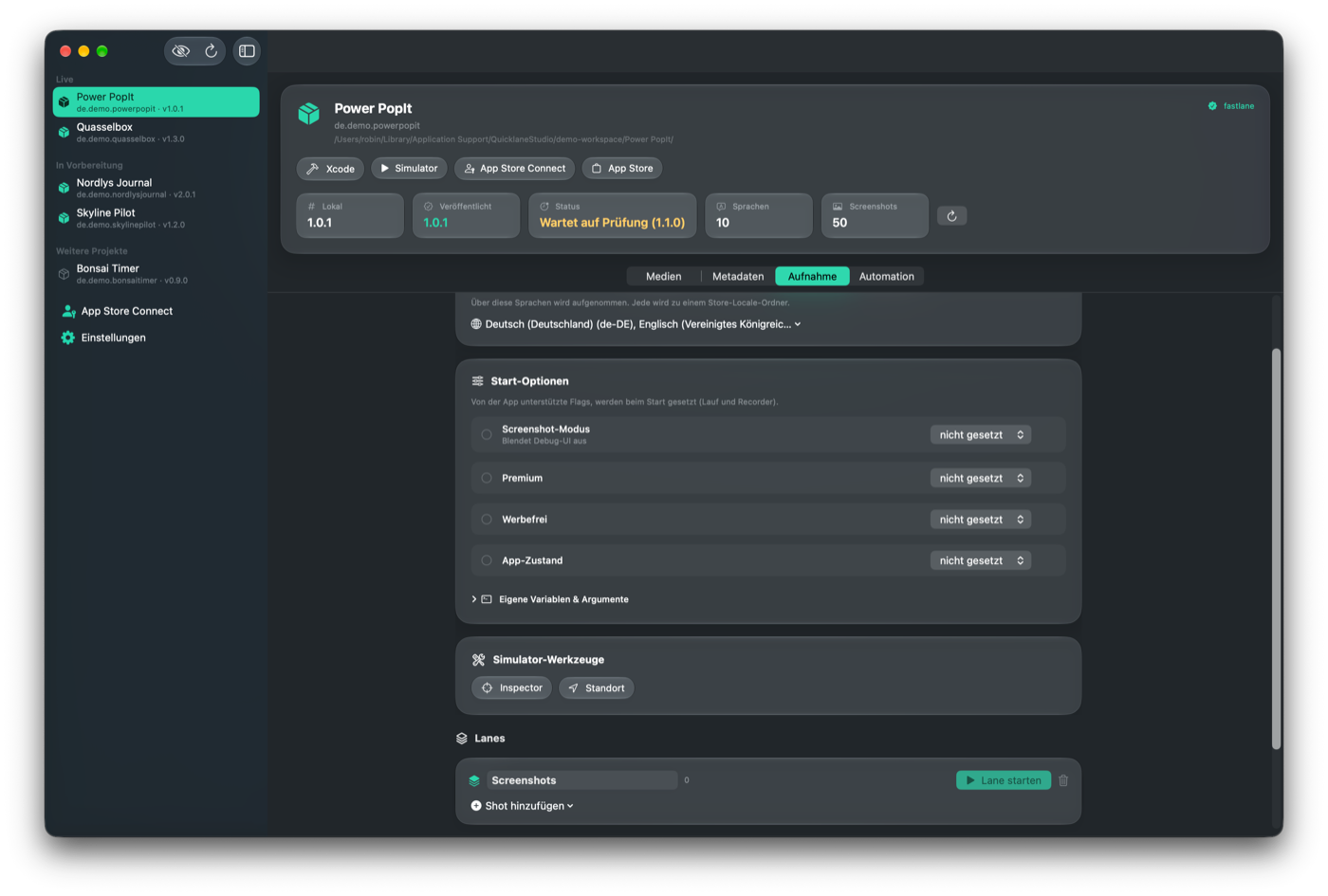
You tap through your app once by hand in the Simulator, and Quicklane Studio remembers every step. It then replays that path in every language and takes the screenshots. An overview shows live which view is done in which language, that's what you see on the left.
Every step is recorded as a normalized position and emitted as an XCUITest that taps by coordinate. That is independent of language and device and needs no accessibility identifiers in your source. If you already have some, they're preferred, optionally.
// generiert · koordinaten-basiert, sprachunabhängigfor language in languages {app.launch()qlsTap(app, label: "Los", nx: 0.5, ny: 0.82)qlsType(app, id: "searchField", text: "Berlin")snapshot("home")}From a scanned project to the upload to App Store Connect, in four calm steps.
Point it at your workspace folder. Quicklane Studio finds your Xcode projects, their languages and their App Store status.
Edit text per language, review screenshots and completeness, and pull from App Store Connect when you need to.
Record the path through your app once by hand and let it replay automatically in every language. The finished images go into a folder of their own, separate from your existing ones.
Push text and screenshots to App Store Connect, always with a confirmation, never by accident.
Quicklane Studio grew out of the daily work with several apps. It takes over the steps that keep repeating and leaves you in control of everything that matters.
Buy now